
Key facts
- Brand
- Philips
- Model
- CEM1100
- Category
- Car Speakers
- Industry
- Automotive
- Documents
- 2
- Languages
- ES · EN
- Last added
- 2012-03-27
Start here
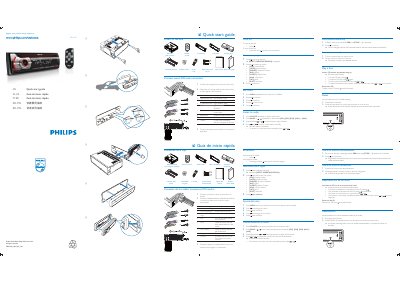
Philips CEM1100 Car Audio Quick Start Guide
The guide begins with a list of items included in the package, such as the main unit, ISO male connector, remote control, screws, and a carrying case. It then walks the installer through connecting the supplied ISO male connector to the vehicle wiring, selecting the operating region, and setting the clock.
Further sections describe how to use the radio functions, store preset stations, play CDs, and reset the unit to its default settings. The document is bilingual, offering instructions in both Spanish and Portuguese. This manual is written in Spanish.
Philips CEM1100 specifications
| Laser Classification | Class 1 |
|---|---|
| Audio Capability | MP3‑CD playback |
| Power Supply | 12 V |
| Media Loader | DVD/CD loader |
| Display | LCD panel |
| Control Interface | 2n0 |
Source: Philips CEM1100 User Manual
All Philips CEM1100 documents by type
Day-to-day operation, settings and troubleshooting. Start here if the product is already set up.
The shortest path to a working setup, usually only a few pages.
Questions answered in these manuals
How do I select the operating region?
Turn on the unit and the "SELECT OPERATING REGION" screen will appear; use the navigation keys to choose your region.
How are radio stations stored automatically?
The six strongest stations of the selected band are saved in preset channels automatically.
How do I register my Philips CEM1100?
Register your product and get support at www.philips.com/welcome.
What laser class is the CEM1100?
The CEM1100 is classified as a Class 1 laser product.