
Key facts
Start here
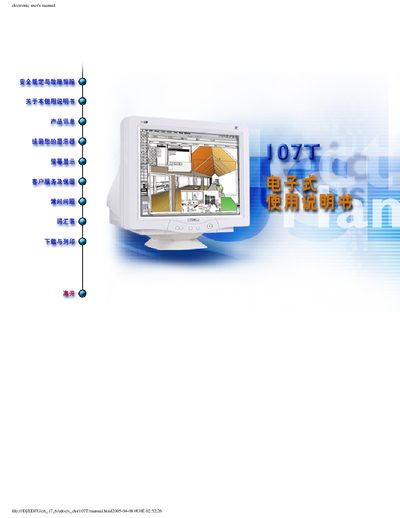
Philips 107T CRT Monitor User's Manual
This document serves as the official Electronic User's Manual for the Philips 107T CRT Monitor. It provides comprehensive guidance on operating the device safely and effectively.
The manual covers essential topics including safety precautions, troubleshooting common issues, detailed product information such as supported operating systems (Windows 95/98/Millennium Edition), and technical specifications regarding the monitor's display capabilities. This manual is written in Chinese.
Philips 107T specifications
| Screen size | 17" |
|---|---|
| Resolution | 1280 x 1024 |
| VESA DPMS support | Yes |
All Philips 107T documents by type
Day-to-day operation, settings and troubleshooting. Start here if the product is already set up.
Questions answered in these manuals
How do I register the warranty for my Philips 107T monitor?
Complete the warranty registration card included in the manual and mail it within ten days of purchase.
Where can I find safety and troubleshooting information for this monitor?
The first section of the manual titled "Safety & Troubleshooting" provides all safety guidelines and troubleshooting steps.
What happens if Light Frane software detects an incompatible monitor?
The software displays a message indicating incompatibility, and you can choose to abort or continue the installation.
Is it allowed to open the back panel of the monitor?
Only qualified service personnel may remove the back panel; doing it yourself can cause electric shock.
What should I do if the TV shows no picture?
Check the antenna connection at the back of the TV and try a different channel.