
Key facts
- Brand
- Philips
- Model
- CEM250
- Category
- Car Speakers
- Industry
- Automotive
- Documents
- 3
- Languages
- EN
- Last added
- 2012-03-27
Start here
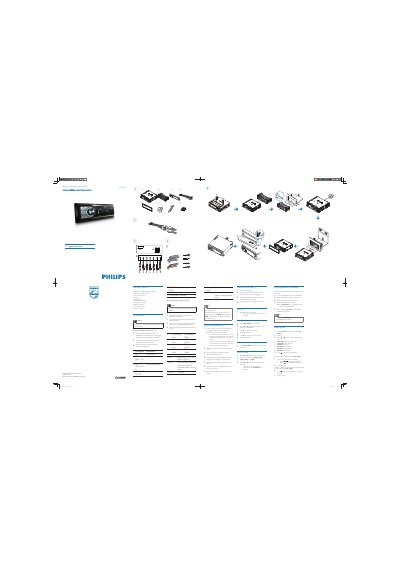
Philips CEM250 Car Audio System Quick Start Guide
The guide lists all supplied parts and shows how to connect the unit using the standard connector and ISO connectors. It explains mounting the sleeve in the dashboard, securing the unit, and attaching the front panel and trim plate.
Operation instructions cover turning the unit on and off, setting the clock, listening to FM/AM radio, pairing Bluetooth devices, and making phone calls using the built‑in interface.
Philips CEM250 specifications
| Supported Media | USB, SD, SDHC, MMC |
|---|---|
| Audio Formats | MP3, WMA |
| Display | LCD panel |
| Speakers | Built‑in loudspeakers |
All Philips CEM250 documents by type
Day-to-day operation, settings and troubleshooting. Start here if the product is already set up.
The shortest path to a working setup, usually only a few pages.
Questions answered in these manuals
Which media cards can I use with the CEM250?
The system accepts USB, SD, SDHC, and MMC cards.
What audio file types are supported?
It plays MP3 and WMA audio files.
How do I turn the unit on and off?
Press the Z button to turn the unit on; press and hold Z for 3 seconds to turn it off.
How do I pair a Bluetooth device with the CEM250?
Use the pairing procedure described in the manual under the Bluetooth section.
How do I set the clock on the CEM250?
Navigate to the clock setting in the system menu and select Set clock.