
This manual introduces how to use Philips CEM210 car audio system, including installation, use and debugging
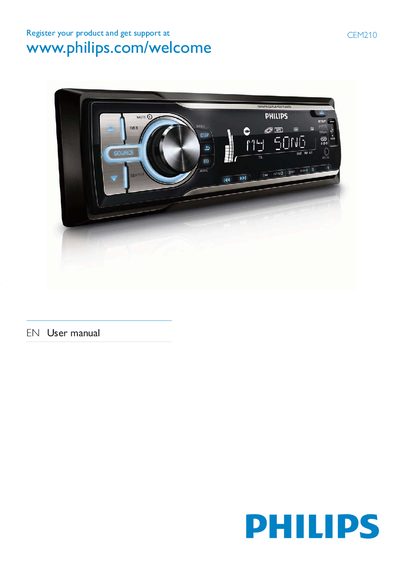
This manual introduces the Philips CEM210 in‑car audio system, lists the contents of the package, and explains safety precautions and installation steps such as mounting, fuse replacement, and battery installation for the remote control.
It then details how to use the main unit and remote control, covering radio tuning, storing presets, playing CDs, MP3/WMA files from disc or USB, adjusting volume, mute, Dynamic Bass Boost, equalizer presets, shuffle and repeat modes, and how to reset the unit to its default settings.
| Operating voltage | 12 V DC |
|---|
Press the DBB button to turn Dynamic Bass Boost on or off.
Press the RESET button to restore default settings.
Visit www.philips.com/welcome to register your product.