
Key facts
Start here
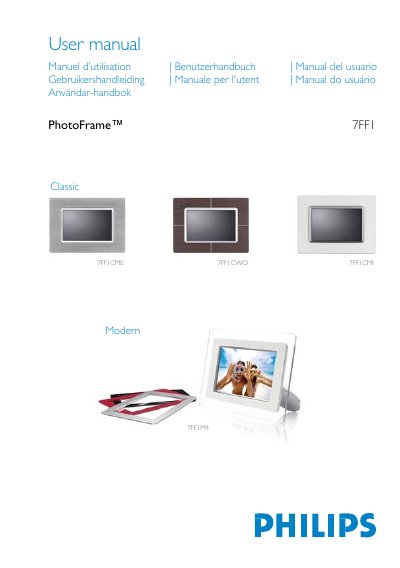
Philips 7FF1M4 PhotoFrame User Manual
This manual explains how to set up and use the Philips 7FF1M4 PhotoFrame digital frame. It covers unpacking, initial configuration, power options, and basic navigation using the rear control keys.
The guide includes detailed sections on viewing modes, photo management (copy, delete, rotate), supported memory cards, display specifications, language selection, and accessories that come with the product. Safety and disposal information are also provided.
Philips 7FF1 specifications
| Effective display area | 137 x 91 mm (5.4" x 3.6") |
|---|---|
| Resolution | 720 x 480 pixels |
| Brightness | 200 nits |
| Viewing angle (horizontal) | -85° to 85° |
| Backlight half‑life | 20,000 hours |
| Supported card types | SD, MMC, Memory Stick (MS, MS Pro), Compact Flash (type I) |
| Maximum photo resolution | 12 MP JPEG |
| Internal memory capacity | 50 photos or more |
| Power LED indicator | Green when on |
| Battery LED indicator | Orange when charging |
| Power modes | Battery powered, AC powered |
All Philips 7FF1 documents by type
Day-to-day operation, settings and troubleshooting. Start here if the product is already set up.
Questions answered in these manuals
How do I turn the PhotoFrame on?
Slide the power switch up to the ON position; the power LED will turn green and the startup screen appears.
What accessories are included with the PhotoFrame?
The package contains an AC power adaptor (100‑240 V), a USB cable, a quick‑start guide, and a CD‑ROM with the full user manual.
Does the LCD screen have touch functionality?
No, the LCD screen does not have touch capability; you control the frame with the buttons on the back.
How can I confirm a photo was copied successfully?
After copying, the screen displays a “photo copied” message as confirmation.