
Key facts
- Brand
- Philips
- Model
- 8000 series
- Category
- Home Speakers
- Documents
- 2
- Languages
- EN
- Last added
- 2012-03-26
Start here
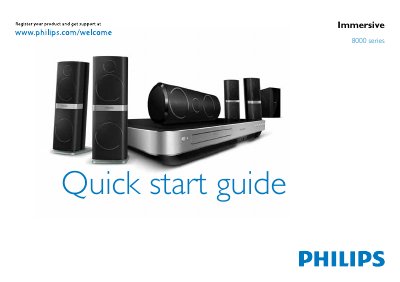
Philips 8000 Series Home Theater Quick Start Guide
This guide begins with safety information and product registration instructions, and lists everything that comes in the box, including speakers, sub‑woofer and input connectors. It also explains how to register the product online at www.philips.com/welcome for support.
The guide then shows how to position the speakers and sub‑woofer, connect the home theater to audio sources (HDMI, optical, coaxial, FM antenna, etc.), attach the calibration microphone for automatic speaker setup, and finally switch the system on.
Philips 8000 series specifications
| HDMI inputs | 2 |
|---|---|
| HDMI output | ARC |
| FM antenna impedance | 75Ω |
| Power source | AC mains |
All Philips 8000 series documents by type
The shortest path to a working setup, usually only a few pages.
Day-to-day operation, settings and troubleshooting. Start here if the product is already set up.
Questions answered in these manuals
How can I register my Philips product?
Visit www.philips.com/welcome to register your product and get support.
What is included in the box?
The box contains the speakers, sub‑woofer and various input connectors.
What safety lock prevents accidental steam release?
The Calc‑Clean rinsing cap also functions as a safety valve; never remove it when the steam tank is hot and tighten it if steam escapes.
From: PHILIPS 8000 series GC8261 GC8260 GC8220 GC8210 user manual