
Key facts
- Brand
- Philips
- Model
- 3000 series
- Documents
- 4
- Languages
- ZH · EN
- Last added
- 2026-10-25
Start here
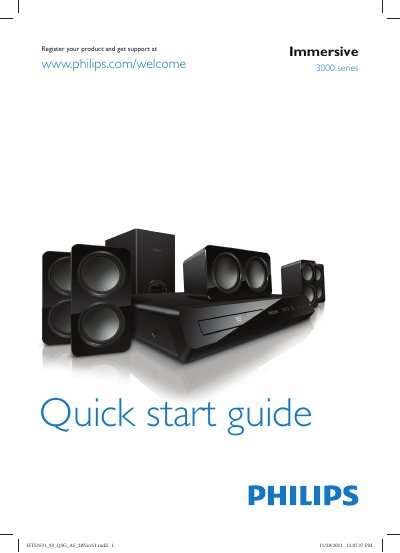
PHILIPS 3000 series Immersive user guide
This Quick Start Guide provides essential information for first‑time users of the Philips HTS3531_93 home theater system. It includes safety reminders and instructions to register the product for support.
The guide shows how to connect the system to a TV or audio equipment using HDMI, optical, or analog inputs, and explains basic operation such as powering on, selecting audio sources, and using the remote control.
All Philips 3000 series documents by type
Day-to-day operation, settings and troubleshooting. Start here if the product is already set up.
The shortest path to a working setup, usually only a few pages.
Questions answered in these manuals
What items are included in the product packaging?
The package contains the TV, a remote control with two AAA batteries, a quick start guide, a user manual, a warranty card, and a stand.
From: Philips 3000 Series LED Backlight LCD TV Quick Start Guide
How many screws are required to attach the stand?
You need four screws to lock the stand component onto the TV.
From: Philips 3000 Series LED Backlight LCD TV Quick Start Guide
What should I read before using the product?
Read all accompanying safety information before using the home theater.
How do I connect the home theater?
Connect the home theater using HDMI (ARC), an FM antenna, and the AC mains as shown in the diagram.
How do I register my Philips home theater?
Visit the registration page at www.philips.com/welcome to register the product and obtain support.
How can I connect the HTS3531_93 to my TV?
You can connect the system to the TV using HDMI, optical, or analog audio/video inputs as shown in the guide.