
Key facts
Start here
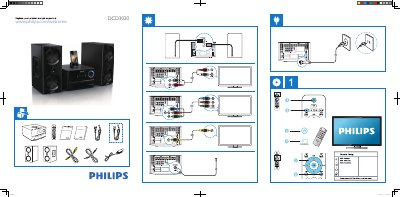
PHILIPS MCD3020 user guide ( English )
This guide helps you register your Philips DCD3020 and get support via the Philips website. It walks you through the General Setup menu, where you can select the OSD language, configure DivX VOD codes, and manage DivX deactivation.
To exit the menu, simply press the SYSTEM MENU button. The guide also includes timestamps and copyright information for reference.
Philips DCD3020 specifications
| Supported disc formats | DVD, VCD, SVCD |
|---|---|
| Supported portable media | iPod, iPhone, iPad, USB |
| Laser classification | Class 1 |
| Environmental protection period | 10 years |
All Philips DCD3020 documents by type
The shortest path to a working setup, usually only a few pages.
Day-to-day operation, settings and troubleshooting. Start here if the product is already set up.
Questions answered in these manuals
How do I register my Philips DCD3020?
Visit www.philips.com/welcome to register your product and obtain support.
How can I exit the system menu?
Press the SYSTEM MENU button to leave the menu.
How can I register the Philips DCD3020?
Register your product at the Philips website using the address shown in the manual.
What disc and media formats does the DCD3020 support?
It supports DVD, VCD, SVCD as well as iPod, iPhone, iPad and USB playback.