
Key facts
- Brand
- Philips
- Model
- BDP5200
- Category
- Video Decoder
- Documents
- 2
- Languages
- EN
- Last added
- 2012-05-02
Start here
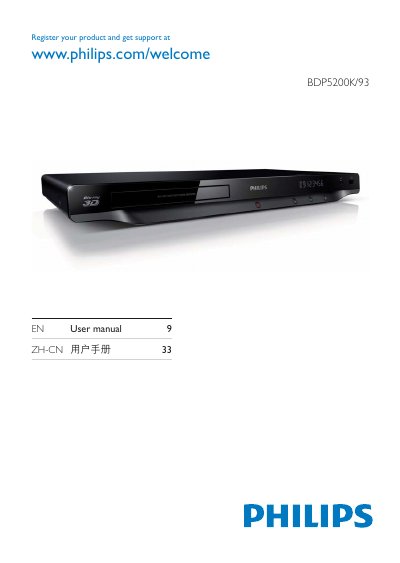
Philips BDP5200K/93 Blu-ray/DVD Player User Manual
This manual guides you through registering your Philips BDP5200K/93 player and connecting it to your TV or audio system. It covers the required hookup steps, including HDMI, coaxial, component video, and audio line‑out connections, as well as network features such as DLNA and Philips EasyLink.
The guide also explains how to play discs and media files from USB devices, lists supported disc and file formats, and includes the software license agreement that applies to the bundled software. Detailed diagrams and button descriptions help you navigate the player’s menus and functions.
Philips BDP5200 specifications
| Aspect ratio | 21:9, 16:9, 4:3 |
|---|---|
| Blu‑ray 3D resolution | Full HD 1080p |
| D/A converter (video) | 12 Bit / 148 MHz |
| Supported playback media | BD, DVD, CD, Video CD, SVCD, USB flash drive, DivX |
| Sound system | DTS‑HD Master Audio, Dolby TrueHD, Dolby Digital Plus, DTS, Dolby Digital |
| Signal‑to‑noise ratio | 100 dB |
| Power consumption | 18 W (standby 0.18 W) |
| Product dimensions | 435 mm × 42 mm × 208.5 mm |
| Product weight | 1.65 kg |
| Rear connections | HDMI, digital coaxial, composite video, analog audio L/R, Ethernet, SD/SDHC slot |
All Philips BDP5200 documents by type
Day-to-day operation, settings and troubleshooting. Start here if the product is already set up.
Questions answered in these manuals
What disc and file formats does the Philips BDP5200 support?
It plays Blu‑ray, DVD, CD, Video CD, SVCD, and supports files from USB flash drives such as DivX, MKV, H.264, VC‑1, MPEG‑2, XviD, AVCHD and WMV.
How can the BDP5200 be connected to a home network?
The player includes built‑in Wi‑Fi (802.11 b/g/n) and an Ethernet port, and it supports DLNA 1.5 for sharing media from PCs and other DLNA‑certified devices.
How do I register my Philips BDP5200K/93 player?
Visit the registration page at www.philips.com/welcome to register your product and obtain support.
What video output connections are available on the player?
The player provides HDMI, coaxial, and component video outputs, as well as an audio line‑out.