
Key facts
Start here
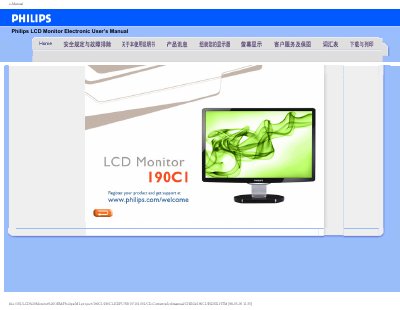
PHILIPS 190CI LCD Monitor user manual
This manual provides safety measures, installation steps, and maintenance advice for the Philips 190C1 LCD monitor. It covers proper handling, environmental limits, and how to register the product for support.
The document also includes a FAQ section that answers common questions about video mode settings, cleaning the screen, resetting the monitor, and USB compatibility, plus instructions for downloading drivers and printing the manual. This manual is written in Chinese.
Philips 190C1 specifications
| Operating temperature | 0‑40 °C (32‑95 °F) |
|---|---|
| Relative humidity | 20‑80 % RH |
| Recommended resolution | 1440 × 900 @ 60 Hz |
All Philips 190C1 documents by type
Day-to-day operation, settings and troubleshooting. Start here if the product is already set up.
Questions answered in these manuals
What should I do if the monitor shows “Cannot display this video mode”?
Set the display resolution to 1440×900 @ 60 Hz as recommended, then restart the computer and reconnect the monitor.
How do I reset the monitor to factory defaults?
Press the menu button, then the settings button, and select “Reset” to restore all default settings.
How do I adjust the monitor resolution?
Set the resolution to 1440 × 900 @ 60 Hz in the Windows Display Properties.