
Key facts
- Brand
- Philips
- Model
- CEM2100
- Category
- Car Speakers
- Industry
- Automotive
- Documents
- 2
- Languages
- EN
- Last added
- 2012-03-27
Start here
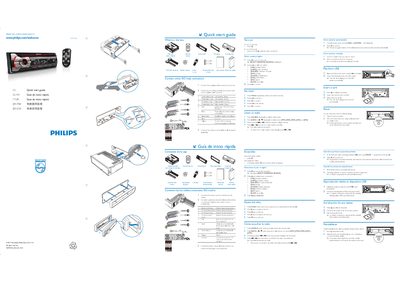
Philips CEM2100 Quick Start Guide
Quick Start Guide 2 pages · 2.4 MB · EN
This quick start guide lists the items included in the box and explains how to connect the device using ISO male connectors. It also shows the basic menu navigation and how to select sources.
The guide covers pressing the SOURCE button, selecting the BAND, playing audio from a USB stick, inserting a memory card, and resetting the unit. Simple step‑by‑step instructions let you get the device up and running quickly.
All Philips CEM2100 documents by type
User Manual 2
Day-to-day operation, settings and troubleshooting. Start here if the product is already set up.
Quick Start Guide 1
The shortest path to a working setup, usually only a few pages.
Questions answered in these manuals
How do I connect the device?
Use the ISO male connectors as shown in the guide.