
Key facts
Start here
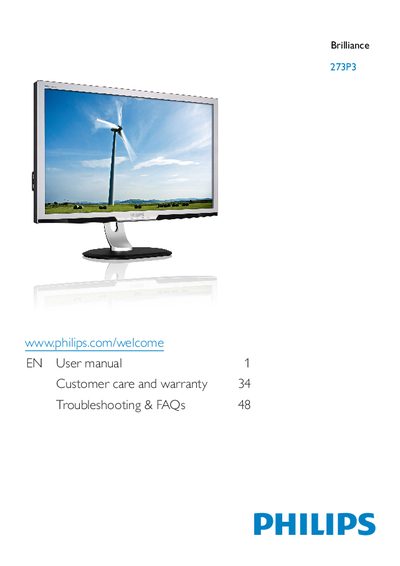
Philips 273P3 Monitor User Manual
This user manual explains how to safely install, operate, and maintain the Philips 273P3 Brilliance monitor. It covers safety precautions, proper handling, connection procedures, and recommended environmental conditions.
The guide also details image‑optimization functions such as SmartImage, SmartContrast, and Power Sensor, lists full technical specifications, and provides troubleshooting FAQs and warranty information.
Philips 273P3 specifications
| Panel type | TFT‑LCD |
|---|---|
| Backlight | CCFL |
| Panel size | 27" (68.6 cm) |
| Aspect ratio | 16:9 |
| Pixel pitch | 0.31 mm × 0.31 mm |
| Brightness | 395 cd/m² |
| Contrast ratio (typ.) | 1000:1 |
| Response time (typ.) | 2 ms |
| Viewing angle | 170° (H) / 160° (V) |
| Refresh rate | 56 Hz – 76 Hz |
| Power consumption (typical) | 43.5 W |
All Philips 273P3 documents by type
Day-to-day operation, settings and troubleshooting. Start here if the product is already set up.
Questions answered in these manuals
What should I do if the monitor shows 'Cannot display this video mode'?
Set the resolution to 1920 × 1080 @ 60 Hz, adjust the refresh rate to 60 Hz, and restart the computer.
What is the recommended refresh rate for this monitor?
The recommended refresh rate is 60 Hz, though you may increase it up to 75 Hz to reduce screen disturbances.
Can I connect the Philips 273P3L monitor to a PC, workstation, or Mac?
Yes. Philips monitors are fully compatible with standard PCs, Macs and workstations.
What is image retention or ghosting on the monitor?
Long periods of static images can cause “burn‑in”, also called image retention or ghosting, which usually fades after power is removed.
How do I connect the monitor to a PC?
Turn off the computer, connect a VGA, DVI, or DisplayPort cable for video, an audio cable if needed, the USB upstream cable, then plug the power cord and turn on both devices.
What resolution should I use for best performance?
Use the native resolution of 1920 × 1080 at 60 Hz for optimal image quality.