
Key facts
- Brand
- Philips
- Model
- SPT3700
- Category
- Other Computer Accessories
- Documents
- 2
- Languages
- EN · ZH
- Last added
- 2012-03-26
Start here
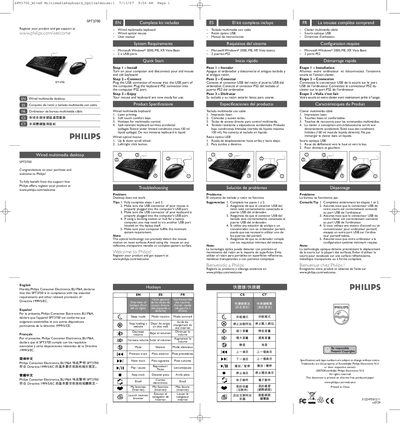
Philips SPT3700 Wired Multimedia Keyboard and Mouse User Manual
The SPT3700 wired multimedia desktop kit includes a multimedia keyboard, an optical USB mouse, and this user manual. Philips recommends registering the product at www.philips.com/welcome to receive support and confirms compliance with EU directives.
The manual outlines system requirements (Windows 2000/ME/XP/Vista and two USB ports), step‑by‑step installation, key features such as spill‑resistant keys and multimedia hotkeys, safety advice, environmental disposal information, RoHS and FCC compliance, and troubleshooting tips for common connection problems.
Philips SPT3700 specifications
| Keyboard printing technology | Laser printing |
|---|---|
| Keyboard key feel | Soft touch comfort keys |
| Keyboard hotkeys | Multimedia control hotkeys |
| Mouse scroll wheel | Up & down scroll wheel |
| System requirements | Microsoft Windows 2000, ME, XP, Vista Basic; 2 × USB ports |
Source: Philips SPT3700 Wired Multimedia Keyboard and Mouse User Manual
All Philips SPT3700 documents by type
Day-to-day operation, settings and troubleshooting. Start here if the product is already set up.
Questions answered in these manuals
What are the minimum system requirements for the SPT3700 kit?
A PC running Windows 2000, ME, XP, or Vista Basic with at least two USB ports (or one USB and one PS2 port for the keyboard).
From: Philips SPT3700 Wired Multimedia Keyboard and Mouse User Manual
Which operating systems are supported by the SPT3700BC?
The device works with Microsoft Windows 2000, Windows ME, and Windows XP.
From: Philips SPT3700BC Wired Multimedia Desktop User Manual
What is the DPI of the mouse included with the SPT3700BC?
The mouse provides 800 DPI optical precision.
From: Philips SPT3700BC Wired Multimedia Desktop User Manual