
Key facts
Start here
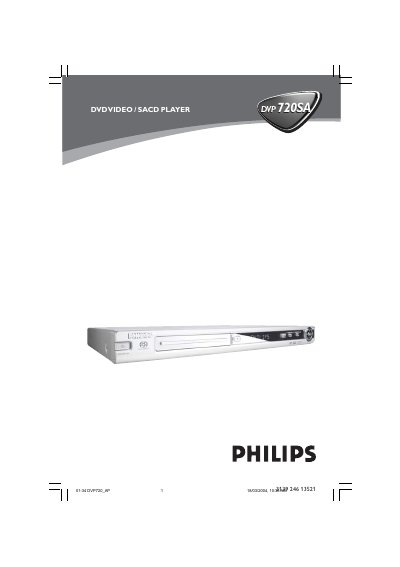
Philips DVP720SA DVD Video/SACD Player User Manual
This manual covers everything you need to get the Philips DVP720SA DVD Video/SACD Player up and running. It includes safety information, a list of supplied accessories, and detailed instructions for connecting the player to a TV, audio system, or multi‑channel receiver.
The guide also explains how to use the remote control, set up video and audio options, play various disc formats, and troubleshoot common problems. Technical specifications and a glossary are provided at the end of the document.
Philips DVP720SA specifications
| Mains voltage | 120V (region /17) / 220‑240V (regions /00/02/05) / 110‑127V/220‑240V (regions /69/75) |
|---|---|
| Standby power consumption | < 0.3W (regions /00/02/05) / < 1W (regions /69/75) |
| Dimensions (centre unit) | 435 x 46 x 310 mm |
| Audio output level (1 kHz) | 2 Vrms + 1.5 dB |
| Frequency response (audio) | 20 Hz – 20 kHz |
| CVBS video output level | 1.0 V |
Source: PHILIPS AD8335 Manual
All Philips DVP720SA documents by type
Disassembly, diagnostics and part numbers, for repair.
Day-to-day operation, settings and troubleshooting. Start here if the product is already set up.
Questions answered in these manuals
What is the standby power consumption of the DVP720SA?
The standby power consumption is less than 0.3 W for regions /00/02/05 and less than 1 W for regions /69/75.
From: PHILIPS AD8335 Manual
How do I connect the DVP720SA to a TV using composite video?
Connect the yellow composite video cable from the DVD Player’s CVBS (VIDEO) jack to the TV’s video input, and use the white/red audio cables for sound.
How can I reset the DVD player if it stops responding?
Unplug the AC power cord for 5‑10 seconds, then plug it back in and turn the player on.