
This manual introduces how to use Philips CEM210, including safety, installation, how to listen to the radio, play CD, MP3, WMA, connect external audio source
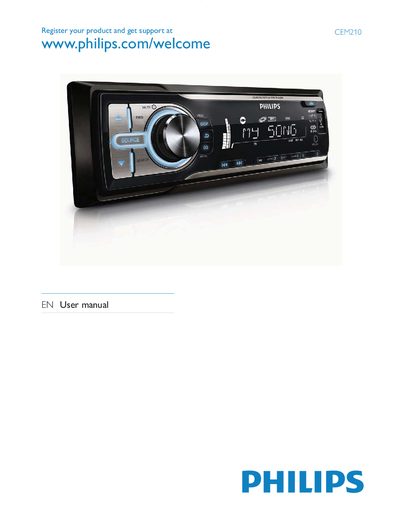
This manual guides you through installing the Philips CEM210 car audio system, including mounting the main unit, connecting power, and inserting the remote‑control battery. It also describes the contents of the package and the layout of the main unit and remote control.
Detailed usage sections cover listening to FM/AM radio, playing CDs, MP3/WMA files from USB, adjusting volume, bass boost, equalizer settings, and configuring system options such as blackout mode, demo mode, and shock‑protect. Troubleshooting tips and a glossary of audio terms are provided at the end.