
Key facts
- Brand
- Philips
- Model
- 52PFL8803D
- Documents
- 2
- Languages
- EN · ZH
- Last added
- 2000-01-01
Start here
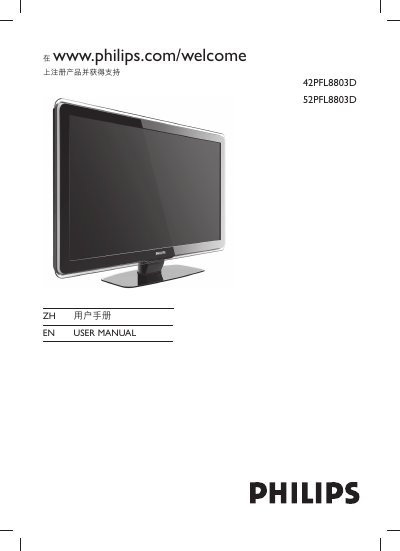
Philips 42PFL8803D/52PFL8803D LCD TV User Manual
This manual provides instructions for the Philips 42PFL8803D and 52PFL8803D LCD TVs. It covers safety precautions, environmental care, and initial setup steps such as positioning, wall mounting, and connecting cables. The guide details how to switch the TV on, manage remote control batteries, and configure the device for use.
Read onlinePhilips 52PFL8803D specifications
| Power supply | AC 220‑240V |
|---|---|
| HDMI inputs | HDMI 1/2 |
| Audio output (headphone) | Stereo mini‑jack |
All Philips 52PFL8803D documents by type
Day-to-day operation, settings and troubleshooting. Start here if the product is already set up.
Questions answered in these manuals
What is the weight limit for lifting the TV safely?
Two people are required to lift and carry a TV that weighs more than 25 kg (55 lb).
What is the minimum clearance required around the TV for ventilation?
Leave a space of at least 10cm (four inches) around the TV for ventilation.
How do I mount the TV on a wall?
Purchase a VESA‑compatible wall‑mount bracket, remove the TV stand, align the bracket with the four mounting holes on the back, insert M8 screws with washers, and secure the bracket according to the VESA‑standard instructions.
What should I do if the TV won't turn on?
Unplug the power cord, wait about a minute, then plug it back in and try turning the TV on again. Also check that the power cable is correctly connected and the outlet supplies the proper voltage.