
Key facts
Start here
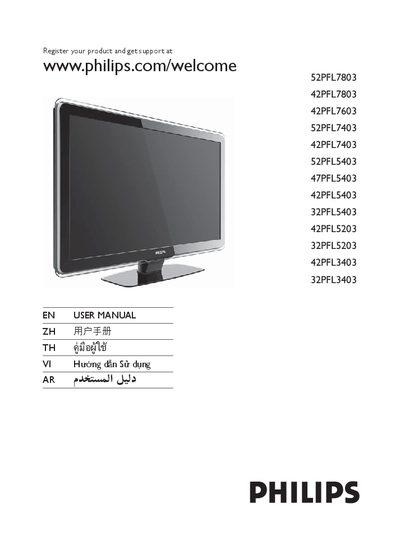
Philips 52PFL7803 Display User Manual
User Manual 46 pages · 4.6 MB · EN
This user manual begins with product registration information, directing owners to register their display and obtain support at www.philips.com/welcome. It also includes safety notices and copyright details.
The manual lists the on‑screen controls for the television, such as Power, Channel, Menu, Volume, Source, and the Ambilight feature, with the corresponding button functions and adjustment ranges.
All Philips 52PFL7803 documents by type
User Manual 2
Day-to-day operation, settings and troubleshooting. Start here if the product is already set up.
Questions answered in these manuals
How do I register my Philips display for support?
You can register your product and get support at www.philips.com/welcome.
How can I change the channel on the TV?
Press the CHANNEL +/- button to change channels.
How can I register my Philips TV?
Visit www.philips.com/welcome and follow the registration instructions.
Which buttons adjust the volume?
Use the VOLUME +/- buttons on the remote control.