
Key facts
- Brand
- Philips
- Model
- 37TA2800
- Category
- Television
- Industry
- Appliances
- Documents
- 4
- Languages
- ZH · EN
- Last added
- 2012-03-16
Start here
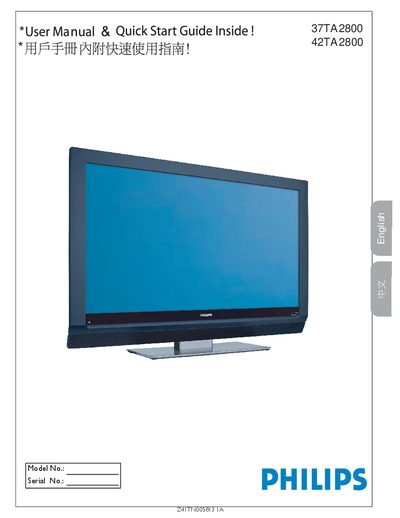
Philips 37TA2800 / 42TA2800 User Manual
This manual provides safety instructions, connection diagrams and setup steps for the Philips 37TA2800 and 42TA2800 LCD TVs. It includes warnings about electric shock, proper ventilation, and how to use the remote’s AV button to select input sources such as HDMI, component video, or PC monitor mode.
The specification section lists picture aspect ratio, audio output power, dimensions, weight, power consumption and mounting details. Cleaning and care guidelines explain how to safely dust and wipe the screen, and the warranty information advises contacting qualified service personnel for repairs.
Philips 37TA2800 specifications
| Aspect ratio | 16:9 |
|---|---|
| Output Power (RMS) | 2 × 10 W |
| Weight (incl. packaging) | 36 kg / 80 lb |
| Power (typical) | 250 W |
| Standby power consumption | < 2 W |
| Mains voltage | 100‑240 V, 50‑60 Hz |
| Dimensions (W × D × H) | 46.5 in × 14.3 in × 30.2 in |
All Philips 37TA2800 documents by type
Day-to-day operation, settings and troubleshooting. Start here if the product is already set up.
Questions answered in these manuals
How do I start an automatic channel search?
Press the MENU button, go to Settings, select “Automatic Search”, then press the right‑arrow key and OK to start the search.
How can I change the screen format?
Press the “Format” button repeatedly to cycle through six screen formats: Super‑zoom, 4:3, 14:9, 16:9, subtitle 16:9 and Wide screen.
What cable should be used for HDMI connections?
Use a certified HDMI cable for the HDMI connection.
How do I switch the TV to use a PC as a monitor?
Press the AV button on the remote and select PC.
What type of display does the Philips 37TA2800 use?
It uses an LCD WXGA panel with a resolution of 1366 × 768 pixels.
Does the TV have an HDMI input?
Yes, the TV includes an HDMI input for digital video and audio connections.