
This document introduces how to connect the TV, including basic connection, composite connection, S-video, HDMI connection, antenna connection and cable connection.
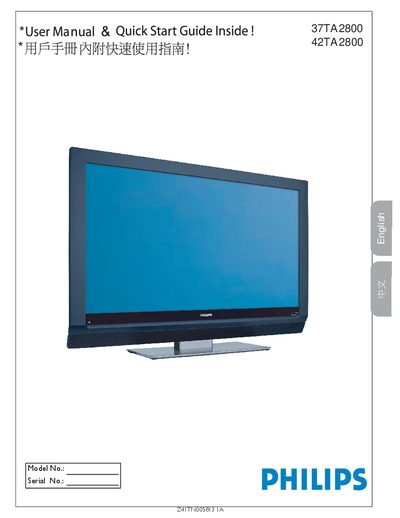
This manual provides safety instructions, connection diagrams and setup steps for the Philips 37TA2800 and 42TA2800 LCD TVs. It includes warnings about electric shock, proper ventilation, and how to use the remote’s AV button to select input sources such as HDMI, component video, or PC monitor mode.
The specification section lists picture aspect ratio, audio output power, dimensions, weight, power consumption and mounting details. Cleaning and care guidelines explain how to safely dust and wipe the screen, and the warranty information advises contacting qualified service personnel for repairs.
| Aspect ratio | 16:9 |
|---|---|
| Output Power (RMS) | 2 × 10 W |
| Weight (incl. packaging) | 36 kg / 80 lb |
| Power (typical) | 250 W |
| Standby power consumption | < 2 W |
| Mains voltage | 100‑240 V, 50‑60 Hz |
| Dimensions (W × D × H) | 46.5 in × 14.3 in × 30.2 in |
Use a certified HDMI cable for the HDMI connection.
Press the AV button on the remote and select PC.
Do not open the unit, keep it dry, and use the correct polarized plug.
Dust with a dry, non‑scratching cloth and wipe the screen with a damp cloth; avoid chemicals.