
Key facts
- Brand
- Philips
- Model
- 32PFL1200
- Category
- Television
- Industry
- Appliances
- Documents
- 2
- Languages
- ZH
- Last added
- 2012-03-26
Start here
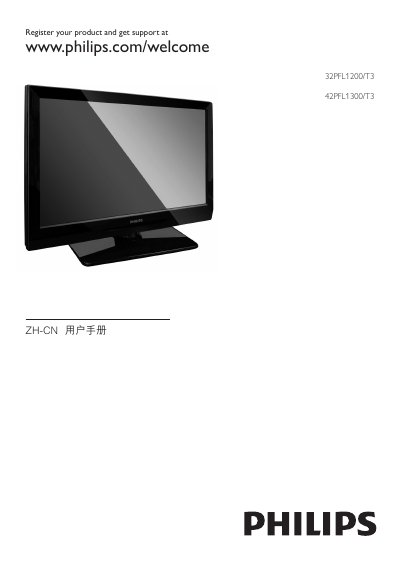
Philips 32PFL1200/T3 and 42PFL1300/T3 User Manual
This manual explains how to safely install and use the Philips 32PFL1200/T3 and 42PFL1300/T3 televisions. It includes safety warnings, mounting instructions, remote‑control functions, and guidance for connecting external devices such as HDMI sources and USB storage.
The guide also covers picture and sound settings, power‑saving features, and a detailed troubleshooting section. Technical specifications for both models, including dimensions and weight, are listed in the product specifications chapter. This manual is written in Chinese.
Philips 32PFL1200 specifications
| 32PFL1200/T3 Dimensions (W×H×D) | 778.5 mm × 509.2 mm × 98 mm |
|---|---|
| 32PFL1200/T3 Weight | 8.6 kg |
| 42PFL1300/T3 Dimensions (W×H×D) | 1011 mm × 650 mm × 108 mm |
| 42PFL1300/T3 Weight (without stand) | 14.26 kg |
| 42PFL1300/T3 Weight (with stand) | 17.36 kg |
All Philips 32PFL1200 documents by type
Day-to-day operation, settings and troubleshooting. Start here if the product is already set up.
Questions answered in these manuals
How do I turn the TV on or off?
Press the power button on the remote (standby‑on) or the TV’s side power button.
How can I reset the TV to factory settings?
Select the reset option in the TV’s menu to restore factory defaults.
How should I clean the TV screen?
Use a soft, damp cloth to wipe the screen and frame, and do not use alcohol, chemicals, or household cleaners.
Can I operate the TV while it is in standby mode?
Yes, the TV remains partially powered in standby, but it still consumes a small amount of electricity.