
This document is the user manual of PHILIPS TV
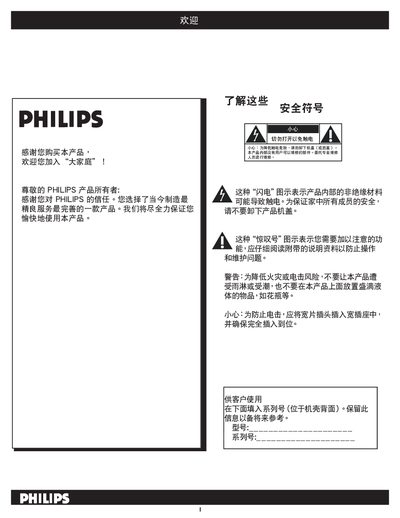
This manual provides safety guidelines, installation advice and detailed operating instructions for the Philips 37TA2800 and 42TA2800 LCD televisions. It covers proper handling, wall‑mount installation, remote‑control functions, button layout and menu navigation.
The document also includes troubleshooting tips, a glossary of terms and a full specification table covering dimensions, power consumption, audio output, and available input connectors. All information is presented in Chinese for the end‑user. This manual is written in Chinese.
| Screen dimensions (model 42TA2800) | 46.5" × 14.3" × 30.2" |
|---|
Press the MENU button, go to Settings, select “Automatic Search”, then press the right‑arrow key and OK to start the search.
Press the “Format” button repeatedly to cycle through six screen formats: Super‑zoom, 4:3, 14:9, 16:9, subtitle 16:9 and Wide screen.
Use the VOL +/- buttons on the remote to increase or decrease the sound level.