
Key facts
- Brand
- Philips
- Model
- 32PF5320
- Category
- Television
- Industry
- Appliances
- Documents
- 2
- Languages
- EN · ZH
- Last added
- 2011-09-17
Start here
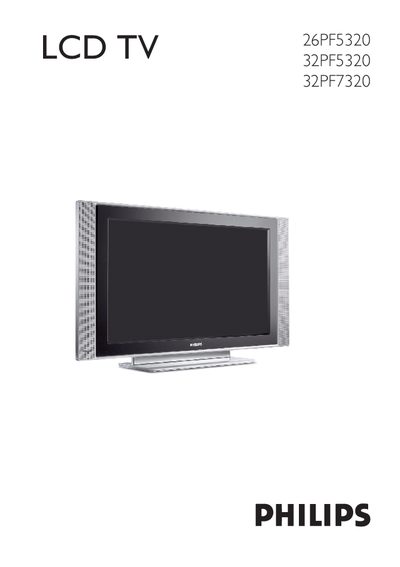
Philips 26PF5320/32PF5320/32PF7320 LCD TV User Manual
This manual provides step‑by‑step instructions for installing and operating Philips LCD TV models 26PF5320, 32PF5320 and 32PF7320. It covers safety precautions, remote‑control functions, picture and sound settings, and advanced features such as PIP, HD mode and PC monitor use.
The document also lists technical specifications, troubleshooting tips, and regulatory information. All sections are organized to help users set up the TV quickly and maintain it safely.
Philips 32PF5320 specifications
| Screen size (diagonal) | 660 mm (26PF5320), 800 mm (32PF5320/32PF7320) |
|---|---|
| Audio output power | 2 × 5 W RMS (26PF5320), 2 × 15 W (32PF5320/32PF7320) |
| TV system | NTSC M (3.58‑4.5), NTSC (4.43‑5.5), PAL B/G, PAL D/K, PAL I, SECAM B/G, SECAM D/K, SECAM K1 |
| Dimensions with stand (W × H × D) | 804.5 mm × 222 mm × 477 mm (26PF5320), 924 mm × 222 mm × 550 mm (32PF5320/32PF7320) |
| Weight with stand | ≈16 kg (26PF5320), ≈18.2 kg (32PF5320/32PF7320) |
Source: Philips 26PF5320/32PF5320/32PF7320 LCD TV User Manual
All Philips 32PF5320 documents by type
Day-to-day operation, settings and troubleshooting. Start here if the product is already set up.
Questions answered in these manuals
How do I switch the TV on?
Press the POWER button on the TV or on the remote control; a green indicator will light up and the screen will turn on.
How can I connect an HDMI source?
Use the HDMI input (labelled HDMI/PC‑D) on the rear of the TV and connect it to the HDMI output of your device.
What should I do if the TV has no power?
Unplug the power cord, wait about 60 seconds, then plug it back in and turn the TV on.
How can I change the menu language?
Press the MENU button, select the language option, and choose the desired language.