
This document provides information about the importance, safety, user manual, main features and settings of the Philips CEM250 3 car audio system. It also includes instructions on how to pair and make calls using wireless Bluetooth devices. Additionally, it covers instructions on how to listen to radio, play discs, use USB/SD/SDHC/MMC devices, and connect external sound sources.
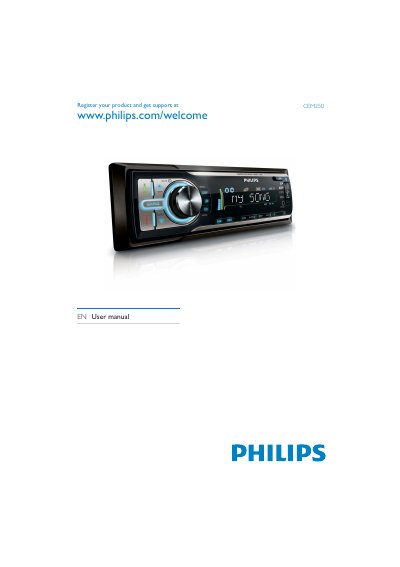
This user manual covers everything you need to set up and use the Philips CEM250 in‑car audio system, including installation steps, remote‑control battery replacement, and basic operation such as radio tuning, audio playback from discs, USB/SD cards, and Bluetooth devices.
It also details system settings like clock adjustment, volume control, equalizer presets, and safety information. Troubleshooting tips for Bluetooth connectivity, audio quality, and common issues are provided, along with a glossary of terms used in the manual.
| Power Supply | 12 V DC |
|---|
Use the pairing procedure described in the manual under the Bluetooth section.
Navigate to the clock setting in the system menu and select Set clock.
Consult the safety section and replace the fuse with the specified type, using a professional if needed.