
This manual introduces the steps of connecting and installing CEM250, including the required parts, connecting wires, connecting ISO connectors, and connecting non-ISO connectors.
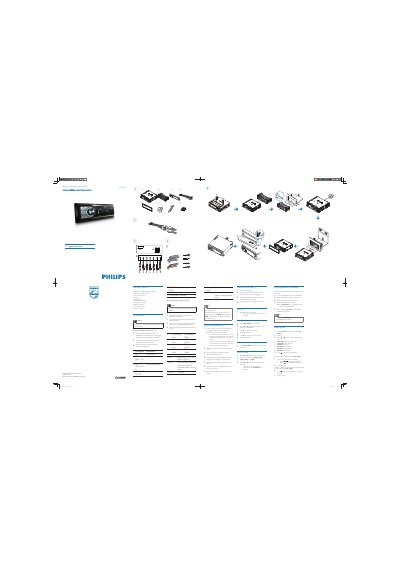
The guide lists all supplied parts and shows how to connect the unit using the standard connector and ISO connectors. It explains mounting the sleeve in the dashboard, securing the unit, and attaching the front panel and trim plate.
Operation instructions cover turning the unit on and off, setting the clock, listening to FM/AM radio, pairing Bluetooth devices, and making phone calls using the built‑in interface.
| Power supply | +12V DC (ignition key) when ON/ACC |
|---|---|
| Bluetooth default password | 0000 |
Press the Z button to turn the unit on; press and hold Z for 3 seconds to turn it off.