
Key facts
- Brand
- Philips
- Model
- 220AW8
- Documents
- 2
- Languages
- ZH
- Last added
- 2011-10-14
Start here
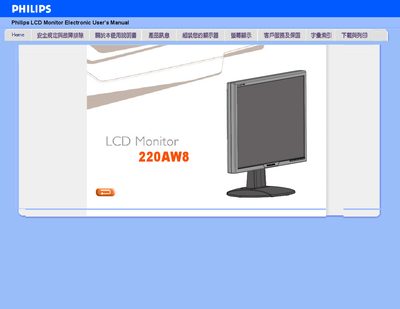
Philips 220AW8 LCD Monitor User Manual
This manual covers safe handling, installation environment requirements, and basic operation of the Philips 220AW8 LCD monitor. It includes detailed safety warnings, recommended temperature and humidity ranges, and guidance for mounting the display using VESA brackets.
Additional sections explain how to adjust picture settings, use the built‑in FPadjust software, clean the screen, and resolve common issues such as video mode errors or power problems. The FAQ provides concise answers to typical user questions. This manual is written in Chinese.
Philips 220AW8 specifications
| Recommended video mode | 1680x1050 @ 60 Hz |
|---|---|
| Operating temperature range | 0 °C – 35 °C |
| Operating humidity range | 20 % – 80 % RH |
All Philips 220AW8 documents by type
Day-to-day operation, settings and troubleshooting. Start here if the product is already set up.
Questions answered in these manuals
How do I fix the "Cannot display this video mode" error?
Disconnect all cables, reconnect the computer to the monitor, set the display resolution to 1680 × 1050 @ 60 Hz in Windows, then restart the computer.
What does the refresh rate mean for this LCD monitor?
The refresh rate indicates how many times per second the screen updates; the Philips monitor uses a 60 Hz refresh rate, which provides a stable image without noticeable flicker.
What is the recommended video mode for the Philips 220AW8?
The recommended video mode is 1680x1050 at 60Hz.
Can the monitor be wall-mounted?
Yes, the monitor has four standard VESA mounting holes on the back for wall mounting.