
Key facts
- Brand
- Philips
- Model
- 220B2
- Documents
- 2
- Languages
- ZH
- Last added
- 2000-01-01
Start here
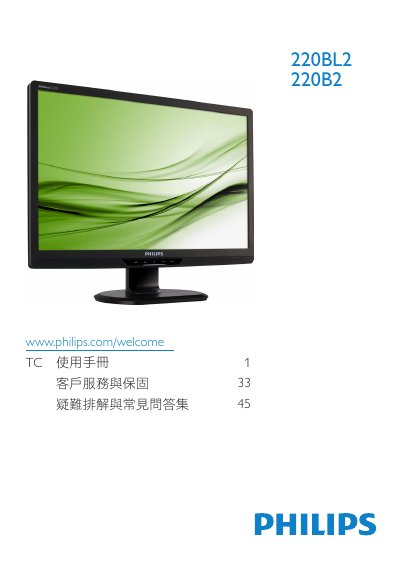
Philips 220B2/220BL2 Monitor User Manual
The Philips 220B2 and 220BL2 are LCD monitors designed for professional use. This manual provides comprehensive instructions on setting up the hardware, adjusting ergonomic settings, and configuring the On-Screen Display (OSD) for optimal performance.
Key features include SmartImage technology with multiple viewing modes, SmartContrast, and a flexible stand that supports height adjustment, tilting, and rotation. This manual is written in Chinese.
Philips 220B2 specifications
| Native resolution | 1680x1050@60Hz |
|---|---|
| Operating temperature | 0-40°C (32-95°F) |
| Operating humidity | 20-80% RH |
All Philips 220B2 documents by type
Day-to-day operation, settings and troubleshooting. Start here if the product is already set up.
Questions answered in these manuals
What should I do if the monitor is accidentally wet?
Immediately turn off the power, unplug the power cord, remove the foreign object or moisture, and send the monitor to a service center.
How can I avoid 'burn-in' or 'ghosting' on the screen?
Always activate a moving screen saver or use applications that update the screen periodically to avoid displaying static content for long periods.
What is the best resolution for this monitor?
The monitor performs best at its native resolution of 1680x1050@60Hz.
How long should you wait before reconnecting the power cord?
Wait 6 seconds before reconnecting the power cord or DC power cord.