
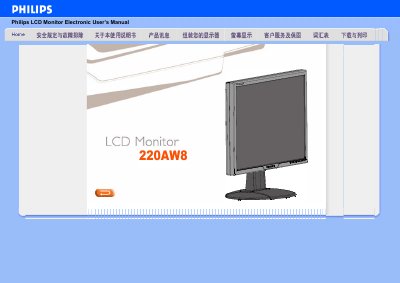
This electronic user's manual provides operating instructions for the Philips 220AW8 LCD monitor. It includes safety precautions, installation guidelines, frequently asked questions, screen adjustment procedures, and information on compatibility with other peripherals.
The document covers topics such as recommended video modes (1680x1050@60Hz), VESA wall-mounting options, factory reset procedure, cleaning instructions, color temperature settings, and plug-and-play support for various Windows versions. It also explains the auto-adjust function for D-sub input and the FPadjust utility for optimizing display performance. This manual is written in Chinese.
| Screen Size | 22 inches |
|---|---|
| Recommended Resolution | 1680x1050@60Hz |
| VESA Mount | 4 standard mounting holes |
| Plug and Play Support | Windows 95/98/2000/XP/Vista |
| Surface Hardness | 2H pencil equivalent |
The recommended video mode is 1680x1050 at 60Hz.
Yes, the monitor has four standard VESA mounting holes on the back for wall mounting.
Press the OK button to open the OSD menu, then select Reset to restore all settings to factory defaults.
Use a soft tissue for routine cleaning; for thorough cleaning use isopropyl alcohol. Do not use ethanol, antifreeze, acetone, or similar solvents.