
Key facts
- Brand
- Philips
- Model
- HTS3520
- Category
- Hi-Fi
- Industry
- Appliances
- Documents
- 5
- Languages
- EN · ES
- Last added
- 2012-03-26
Start here
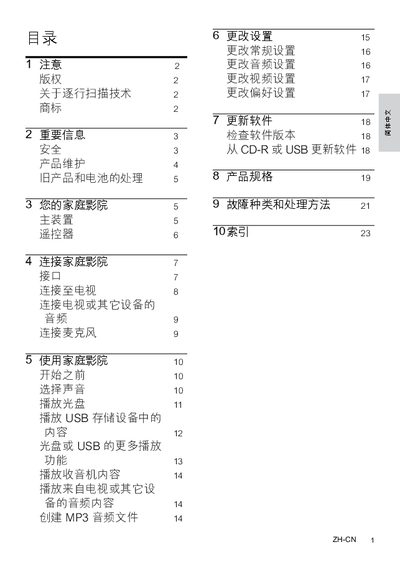
Philips HTS3510 HTS3520 Owner's Manual
This manual covers the Philips HTS3510 and HTS3520 devices, including product registration and support information. Users are directed to register their product at the Philips website to receive assistance.
The document also includes a comprehensive list of language codes and copyright details, indicating the multilingual nature of the manual and the ownership rights held by Koninklijke Philips Electronics NV.
Philips HTS3520 specifications
| HDMI Output | Available |
|---|---|
| Audio Input (AUX) | Available |
| FM Antenna | Available |
Source: Philips HTS3510 HTS3520 Home Theater System User Manual
All Philips HTS3520 documents by type
Day-to-day operation, settings and troubleshooting. Start here if the product is already set up.
Questions answered in these manuals
What is the environmental protection period for the product?
The product’s hazardous substances are covered for a period of 10 years.
From: Philips HTS3510 HTS3520 Home Theater System User Manual
What does the battery labeling logo indicate?
The battery labeling logo indicates a protection period of 5 years for the battery’s hazardous substances.
From: Philips HTS3510 HTS3520 Home Theater System User Manual
How do I register my Philips HTS3510 or HTS3520?
You can register your product and get support at www.philips.com/welcome.
Where can I find the list of language codes in the manual?
The language codes are listed on page 29 under the heading "Language Code".
How do I register my HTS3510/HTS3520 antenna?
Visit the registration page at www.philips.com/welcome HTS3520 to register the product and obtain support.
From: Philips HTS3510/HTS3520 Audio/Video FM Antenna User Manual
What settings can be adjusted in the General Setup menu?
The General Setup menu includes options for Disc Lock, Display Dim, OSD Language, Screen Saver, Sleep Timer, and DivX® VOD Code.
From: Philips HTS3510/HTS3520 Audio/Video FM Antenna User Manual