
This is a user manual introducing the Philips HTS3510 HTS3520 product
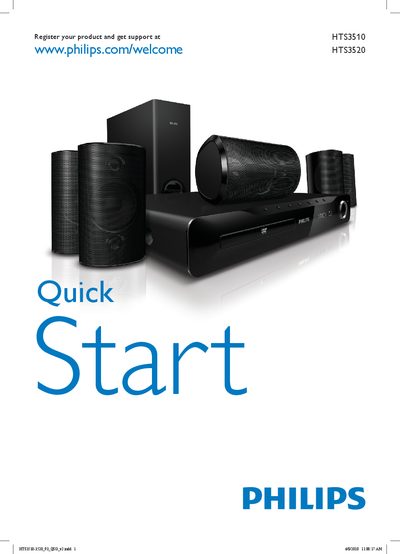
The manual provides instructions for registering the HTS3510/HTS3520 antenna and accessing support via the Philips website. It includes a quick start overview and details on the front panel layout, including sub‑woofer and antenna connections.
The General Setup section lists configurable options such as Disc Lock, Display Dim, OSD Language, Screen Saver, Sleep Timer, and DivX® VOD Code. These settings allow users to customize the antenna’s behavior and integrate it with home‑theater systems.
Visit the registration page at www.philips.com/welcome HTS3520 to register the product and obtain support.
The General Setup menu includes options for Disc Lock, Display Dim, OSD Language, Screen Saver, Sleep Timer, and DivX® VOD Code.