
Key facts
- Brand
- Philips
- Model
- CID3691
- Category
- Car Speakers
- Industry
- Automotive
- Documents
- 3
- Languages
- ZH · EN
- Last added
- 2012-03-27
Start here
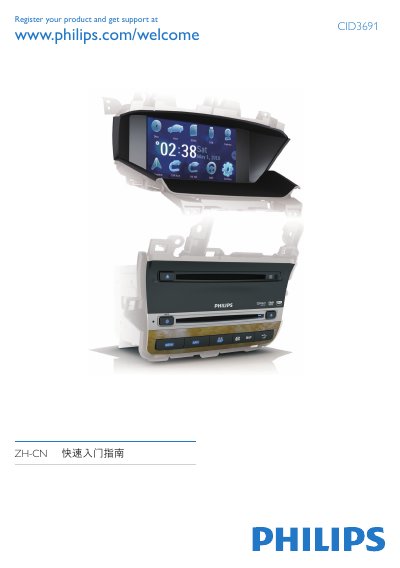
Philips CID3691 Car Audio Quick Start Guide
This guide provides step‑by‑step instructions for installing the Philips CID3691 car audio unit, connecting wiring, attaching the GPS antenna, and mounting the display in the vehicle dashboard. It also includes safety notes for installation and operation while driving.
After installation, the guide explains how to power on the device, select the display language, set the date and time, use the built‑in navigation map, and play media from DVD, USB, or SD/MMC cards. This manual is written in Chinese.
All Philips CID3691 documents by type
Day-to-day operation, settings and troubleshooting. Start here if the product is already set up.
The shortest path to a working setup, usually only a few pages.
Questions answered in these manuals
How do I play a DVD or CD?
Insert the disc with the label side up into the disc slot; playback starts automatically.
How do I turn on the device and select the OSD language?
Press WMUTE to turn on the device, then select the desired language; the OSD language changes immediately.
How do you turn the device on or off?
Press and hold WMUTE to turn the device on or off.