
Key facts
- Brand
- Philips
- Model
- CID3285
- Category
- Car Speakers
- Industry
- Automotive
- Documents
- 2
- Languages
- ZH
- Last added
- 2012-03-27
Start here
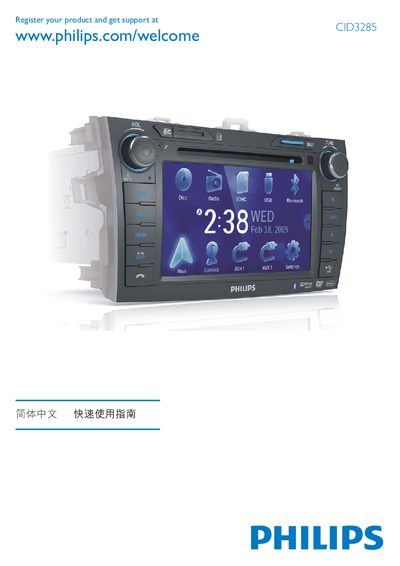
Philips CID3285 Quick Start Guide
This guide provides step‑by‑step instructions for installing the Philips CID3285 radio, connecting power, mounting hardware and avoiding short circuits. It also explains how to use the on‑screen display (OSD) to set clock, date, and other system options.
Additional sections cover Bluetooth pairing, media playback formats (DVD, CD, SD/MMC) and basic troubleshooting tips. The guide is written in Chinese with some English terms for key functions.
Philips CID3285 specifications
| Supported Media | DVD, VCD, CD |
|---|---|
| Power Supply | 12 V |
| Display | LCD Panel |
| Audio Output | Loudspeakers |
Source: Philips CID3285 User Manual
All Philips CID3285 documents by type
Day-to-day operation, settings and troubleshooting. Start here if the product is already set up.
The shortest path to a working setup, usually only a few pages.
Questions answered in these manuals
How can I register my Philips CID3285?
Register your product and get support at the Philips website using the CID3285 page.
What media formats does the CID3285 support?
The device supports DVD, VCD, and CD discs.