
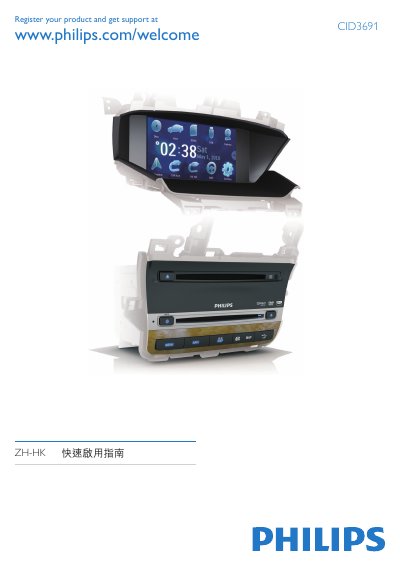
Philips CID3691 Car Navigation Quick Start Guide


Philips CID3691 Car Navigation Quick Start Guide - cover page
Brand
Philips
Category
Vehicle GPS
Document type
Quick Start Guide
Language
Chinese
Pages
7
File format
PDF
Published
28 September, 2011
Updated
29 September, 2023
Model
CID3691
MD5 checksum
6376B8685D5ACB46C4A51957CDAA6FDD

About this manual

This Philips CID3691 car navigation quick start guide explains how to install and operate the in-dash navigation unit. It covers connecting the GPS antenna, mounting the device in the dashboard, and selecting the on-screen display language.

The guide also describes setting the date and time, playing discs and USB devices, using SD/MMC cards, and accessing the navigation map functions. This manual is written in Chinese.

What's inside

  • Product registration
  • GPS antenna installation
  • Dashboard installation
  • OSD language setting
  • Date and time setting
  • Disc playback
  • USB device connection
  • SD/MMC card usage
  • Navigation map

Specifications

Dashboard opening tilt0 to 20 degrees
Supported disc formatsDVD, DVD-R, DVD-RW, VCD, CD, CD-R, CD-RW

Frequently asked questions

How do I turn on the device and select the OSD language?

Press WMUTE to turn on the device, then select the desired language; the OSD language changes immediately.

How do you turn the device on or off?

Press and hold WMUTE to turn the device on or off.

What is the allowed tilt range for the dashboard opening during installation?

The dashboard opening lateral tilt must be between 0 and 20 度. The device cannot be used if the angle exceeds 20 度.

Download PDF

More Philips Manuals


View all Philips manuals →