
Philips CEM2100 Quick Start Guide

This document is the quick start guide of CEM2100, introduces the features and usage of the product.
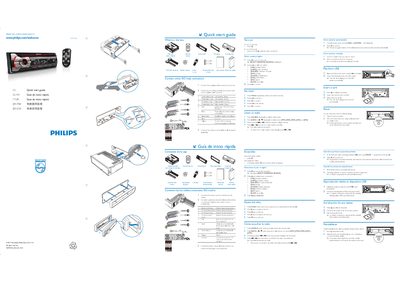

Philips CEM2100 Quick Start Guide - cover page
Brand
Philips
Category
Car Speakers
Document type
Quick Start Guide
Language
English
Pages
2
File format
PDF
File size
2.4 MB
Published
27 March, 2012
Updated
30 September, 2023
Model
CEM2100
MD5 checksum
5E7F8A141783D6279C8D1BC7EF8FFE39

About this manual

This quick start guide lists the items included in the box and explains how to connect the device using ISO male connectors. It also shows the basic menu navigation and how to select sources.

The guide covers pressing the SOURCE button, selecting the BAND, playing audio from a USB stick, inserting a memory card, and resetting the unit. Simple step‑by‑step instructions let you get the device up and running quickly.

What's inside

  • What's in the box
  • Connect wires
  • Press SOURCE
  • Press BAND
  • Play from USB
  • Insert a card
  • Reset
  • Menu navigation
  • Operating region

Frequently asked questions

How do I connect the device?

Use the ISO male connectors as shown in the guide.

Download PDF (2.4 MB)

More Philips Manuals


View all Philips manuals →