
This document is a car audio user manual, which introduces the installation method, use method and precautions of the audio
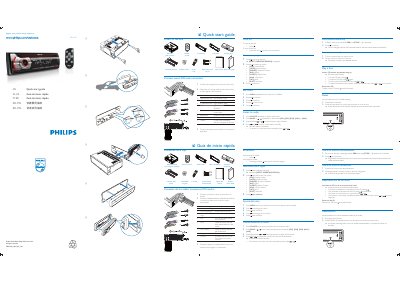
The guide begins with a list of items included in the package, such as the main unit, ISO male connector, remote control, screws, and a carrying case. It then walks the installer through connecting the supplied ISO male connector to the vehicle wiring, selecting the operating region, and setting the clock.
Further sections describe how to use the radio functions, store preset stations, play CDs, and reset the unit to its default settings. The document is bilingual, offering instructions in both Spanish and Portuguese. This manual is written in Spanish.
Turn on the unit and the "SELECT OPERATING REGION" screen will appear; use the navigation keys to choose your region.
The six strongest stations of the selected band are saved in preset channels automatically.
Detach the front panel and press the reset button with a ball‑point pen or similar tool.