
Key facts
- Brand
- Philips
- Model
- CED1700
- Category
- Car Speakers
- Industry
- Automotive
- Documents
- 4
- Languages
- EN · ZH
- Last added
- 2012-03-27
Start here
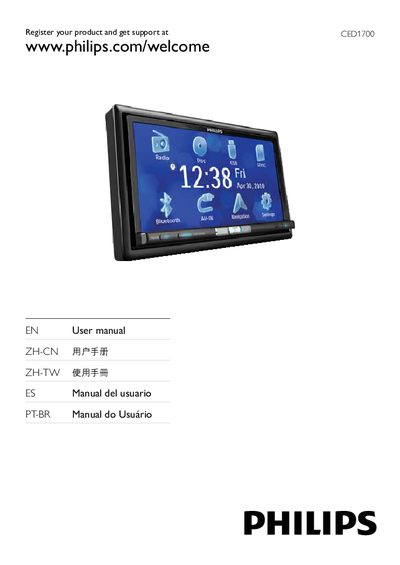
Philips CED1700 User Manual
This manual begins with product registration information, directing users to register their CED1700 at www.philips.com/welcome. It also includes safety notices and copyright details.
The guide describes the device’s controls and supported media, such as USB, SD/SDHC/MMC cards, DVD, CD, and VCD, as well as audio and video functions like volume adjustment, dimmer, tilt, and DVD navigation menus.
Philips CED1700 specifications
| Display type | LCD TFT |
|---|---|
| Screen size | 7 inches |
| Resolution | 800 x 480 |
| Brightness | 400 cd/m² |
| Contrast (standard) | 400 |
| Maximum audio output power | MOSFET 50 W ×4 channels |
| Power supply | 12 V DC |
| Bluetooth version | 2.0 |
| USB interface | USB 2.0 Host |
All Philips CED1700 documents by type
Day-to-day operation, settings and troubleshooting. Start here if the product is already set up.
Questions answered in these manuals
How do I change the language on the CED1700?
Select English in the Initial Settings screen.
How can I set the clock to 12‑hour or 24‑hour mode?
Use the Clock Mode menu and choose 12Hr or 24Hr.
How can I register my Philips CED1700?
Register your product at www.philips.com/welcome.
What type of display does the CED1700 use?
It uses a 7‑inch LCD TFT screen with a resolution of 800 × 480 pixels.
Can the CED1700 play music from a USB flash drive?
Yes, insert a USB flash drive into the USB 2.0 host port and use the playback controls for play, pause, fast‑forward, and more.