
This is a quick start guide that shows you how to install and use the Philips CED1700 car audio system.
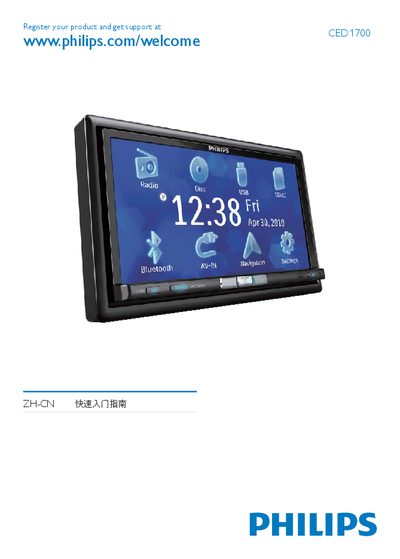
The guide begins with product registration and initial setup, including language selection (English) and basic navigation settings. It also covers Bluetooth pairing and AV‑IN options.
Later sections explain clock configuration (12‑hour or 24‑hour mode), media source selection (DVD, CD, USB, etc.), and other operational details such as parking wire and radio settings.
Select English in the Initial Settings screen.
Use the Clock Mode menu and choose 12Hr or 24Hr.