
Key facts
- Brand
- Philips
- Model
- HD7811
- Category
- Coffee maker
- Industry
- Appliances
- Documents
- 4
- Languages
- EN
- Last added
- 2012-06-01
Start here
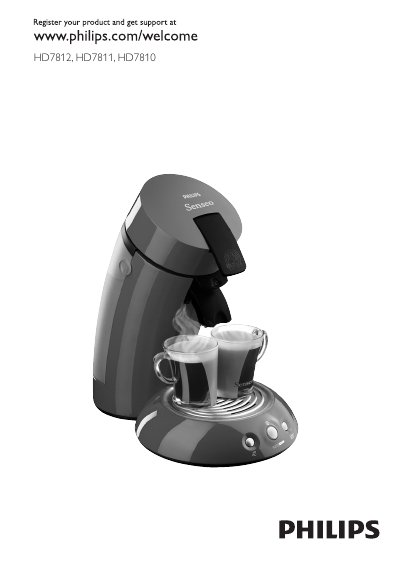
Philips HD7812/HD7811/HD7810 SENSEO Coffee Machine User Manual
This manual provides instructions for the Philips SENSEO HD7812, HD7811, and HD7810 coffee machines. It details the unique brewing method using SENSEO coffee pods to create a fresh cup with a crema layer. The guide covers essential safety warnings, initial preparation including flushing the boiler, and step-by-step instructions for brewing one or two cups of coffee.
Read onlinePhilips HD7811 specifications
| Maximum cups per brew | 5 cups (HD7810/HD7812), 10 cups (HD7811) |
|---|---|
| Maximum operating altitude | 2200 metres |
| Minimum operating temperature | 10 °C |
| Automatic shut‑off timer | 1 hour |
Source: Philips SENSEO HD7810 HD7811 HD7812 HD7814 HD7816 Coffee Machine User Manual
All Philips HD7811 documents by type
Day-to-day operation, settings and troubleshooting. Start here if the product is already set up.
Questions answered in these manuals
How often should I descale the Philips SENSEO coffee machine?
If you use the machine about twice a day, you should descale it once every three months.
From: Philips SENSEO HD7810 HD7811 HD7812 HD7814 HD7816 Coffee Machine User Manual
How do I register my Philips SENSEO coffee machine?
Visit www.philips.com/welcome and register the product online.
How often should I descale the coffee machine?
Descale at least once every three months, preferably four to six times a year.
How do I prepare the machine for the first time?
You must flush the machine first to fill the boiler with water. Remove the reservoir, fill it with cold water, lock the lid, and press the on/off button with the 1-cup and 2-cup buttons simultaneously.
From: Philips HD7812/HD7811/HD7810 SENSEO Coffee Machine User Manual
Can I use vinegar to descale the machine?
No, never use a descaling agent based on mineral acids such as sulphuric acid, hydrochloric acid, sulphamic acid and acetic acid (e.g. vinegar) as it may damage the machine.
From: Philips HD7812/HD7811/HD7810 SENSEO Coffee Machine User Manual