
Key facts
- Brand
- Philips
- Model
- HD7850
- Category
- Coffee maker
- Industry
- Appliances
- Documents
- 2
- Languages
- EN
- Last added
- 2012-05-03
Start here
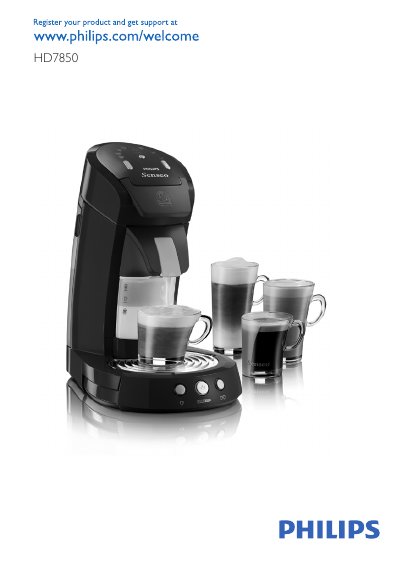
Philips HD7850 SENSEO® Coffee Machine User Manual
This manual introduces the Philips HD7850 SENSEO® coffee machine, explaining its features, required accessories and safety precautions. It guides you through the initial flushing, water reservoir filling, and proper placement of the milk container unit before the first brew.
Subsequent sections cover daily operation, selecting coffee varieties, cleaning the milk container, descaling procedures, and troubleshooting common issues such as indicator lights, low water level warnings, and milk temperature problems.
Philips HD7850 specifications
| Frequency | 50‑60 Hz |
|---|---|
| Power consumption | 2650 W |
| Boiler power | 1450 W |
| Steam heater power | 1200 W |
| Standby power (off) | <1 W |
| Water reservoir capacity | 1200 cc |
| Milk reservoir capacity | 120 cc |
| Auto shut‑off timer | 30 min |
| Coffee pressure | <1.6 Bar |
| Steam pressure | <1 Bar |
| Colour setting | Deep Black |
Source: Philips Senseo HD7850/60 Coffee Maker Service Manual
All Philips HD7850 documents by type
Day-to-day operation, settings and troubleshooting. Start here if the product is already set up.
Disassembly, diagnostics and part numbers, for repair.
Questions answered in these manuals
Can I use white vinegar to descale the machine?
No, you must use a citric‑acid based descaler; white vinegar is not allowed.
Can the machine be used at altitudes above 2200 metres?
No, the machine will not operate at altitudes higher than 2200 m.
How can I adjust the coffee volume on the Senseo HD7850/60?
Fill the boiler, turn the appliance on, select the coffee function, place a cup, press the one‑cup button, measure the output, then press the one‑cup and two‑cup buttons together to enter adjustment mode; each press changes the pump time by about 0.5 s, altering the volume by roughly 3.5 cc per press. Save the new setting by turning the appliance off and on again.
How do I reset the Boiler_empty_flag to its production default?
Keep the 1‑cup button pressed while plugging the power cord in; the main‑switch LED will blink rapidly for about one second, indicating the flag is set. Re‑connect the power a second time to verify the LED blinks again.