
Key facts
- Brand
- Philips
- Model
- CEM5100
- Category
- Car Speakers
- Industry
- Automotive
- Documents
- 2
- Languages
- EN
- Last added
- 2012-03-27
Start here
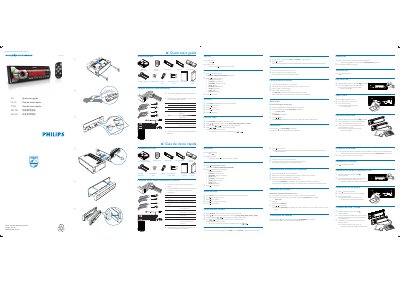
Philips CEM5100 Car Audio System Quick Start Guide
This quick start guide walks you through unpacking the CEM5100, connecting the ISO male connector, and powering the unit. It includes detailed wiring colors for each speaker and instructions for selecting the operating region, setting the clock, and configuring basic functions.
The guide also covers how to listen to FM/AM radio, store presets, pair Bluetooth devices (default password 0000), make and transfer calls, and play media from USB, SD card, or iPod/iPhone. All steps are illustrated with multilingual captions for easy reference.
Philips CEM5100 specifications
| Connector type | ISO male connector |
|---|---|
| Power supply | 12 V DC (ignition key +12 V when ON/ACC) |
| Speaker wiring colors | Green/black (Rear left), White/black (Front left), Gray/black (Front right), Purple/black (Rear right) |
All Philips CEM5100 documents by type
Day-to-day operation, settings and troubleshooting. Start here if the product is already set up.
The shortest path to a working setup, usually only a few pages.
Questions answered in these manuals
How do I pair a Bluetooth device with the CEM5100?
Turn on Bluetooth on your device, search for "Philips", and enter the default password "0000". The panel will show "[PAIR OK]" when successful.