
Key facts
Start here
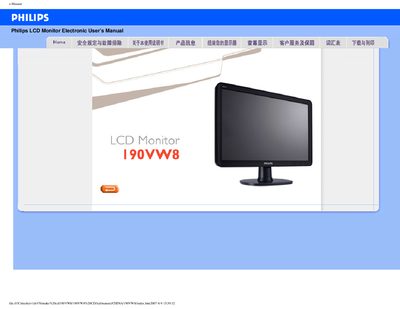
Philips 190VW8 LCD Monitor User Manual
This manual covers safe handling, troubleshooting, and proper usage of the Philips 190VW8 19‑inch LCD monitor. It explains how to connect power, set the native resolution of 1440×900 at 60 Hz, and adjust color temperature and other display options.
Additional sections provide cleaning recommendations, VESA mounting instructions, USB (U5B) port usage, and a collection of frequently asked questions to help resolve common issues such as "Cannot display this video mode" errors.
Philips 190VW8 specifications
| Native resolution | 1440×900 |
|---|---|
| Operating temperature | 0 °C to 40 °C |
| Operating humidity | 20%–80% RH |
| VESA mounting | Yes |
All Philips 190VW8 documents by type
Day-to-day operation, settings and troubleshooting. Start here if the product is already set up.
Questions answered in these manuals
Why does the monitor show "Cannot display this video mode" during installation?
Set the monitor to its native resolution of 1440×900 at 60 Hz and ensure the correct video driver files (.inf and .icm) are installed.
Can the monitor be mounted using a VESA bracket?
Yes, the monitor has standard VESA mounting holes for attachment to compatible brackets.