
This manual is the user manual for Philips 190VW8 model monitor, which introduces safety precautions, maintenance, FAQs and other information for the monitor.
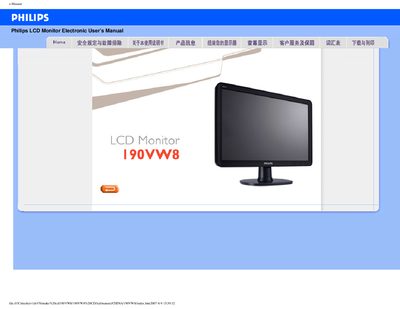
This manual covers safe handling, troubleshooting, and proper usage of the Philips 190VW8 19‑inch LCD monitor. It explains how to connect power, set the native resolution of 1440×900 at 60 Hz, and adjust color temperature and other display options.
Additional sections provide cleaning recommendations, VESA mounting instructions, USB (U5B) port usage, and a collection of frequently asked questions to help resolve common issues such as "Cannot display this video mode" errors.
| Native resolution | 1440×900 |
|---|---|
| Operating temperature | 0 °C to 40 °C |
| Operating humidity | 20%–80% RH |
| VESA mounting | Yes |
Set the monitor to its native resolution of 1440×900 at 60 Hz and ensure the correct video driver files (.inf and .icm) are installed.
Yes, the monitor has standard VESA mounting holes for attachment to compatible brackets.