
Key facts
- Brand
- Agilent
- Model
- G5471A
- Category
- Other Electronics
- Documents
- 3
- Languages
- EN
- Last added
- 2012-07-04
Start here
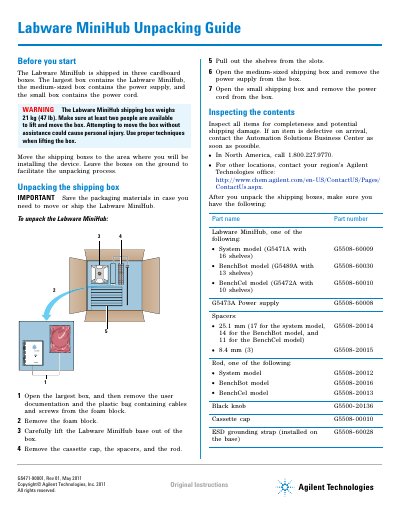
Agilent Labware MiniHub Unpacking Guide G5471A/G5489A/G5472A
This guide provides step-by-step instructions for unpacking the Agilent Labware MiniHub. The device is shipped in three separate boxes containing the base unit, power supply, and power cord. Users are instructed to inspect all items for completeness and shipping damage before proceeding with installation or operation.
The document also details how to pack the Labware MiniHub for storage or transport. This involves carefully placing components back into their foam cutouts within the original packaging to ensure secure handling during movement.
Agilent G5471A specifications
| Transfer time | < 5 seconds for longest turn |
|---|---|
| Payload (per labware) | 200 g |
| Maximum Payload | 12 800 g |
| Repeatability | ± 0.02° Phi (± 0.5 mm) |
| Weight (G5471A) | 10 kg |
| Operating temperature | 4-40°C |
| Operating humidity | 20-90% RH non-condensing |
| Computer connection | RS-232 or DB9 serial port |
Source: Agilent Labware MiniHub G5471A/G5472A/G5473A Data Sheet
All Agilent G5471A documents by type
Ratings, dimensions and ordering codes, for selection and design work.
Day-to-day operation, settings and troubleshooting. Start here if the product is already set up.
Questions answered in these manuals
What labware formats does the MiniHub support?
It supports SBS footprint labware including microplates, deep-well microplates, tube and vial racks, and tip boxes.
From: Agilent Labware MiniHub G5471A/G5472A/G5473A Data Sheet
Can the shelf spacing be adjusted?
Yes, the device features user-configurable shelf spacing to accommodate different labware heights.
From: Agilent Labware MiniHub G5471A/G5472A/G5473A Data Sheet
How many shelves does the G5471A model have?
The G5471A System model includes 16 shelves to accommodate a maximum of 64 microplates.
From: Agilent Labware MiniHub G5471A/G5472A/G5473A Data Sheet
What is the maximum power output of the G5473A power supply?
The G5473A power supply is able to deliver up to 175 W of continuous power to two devices.
From: Agilent Labware MiniHub G5471A/G5472A/G5473A Data Sheet
How many people are needed to move the shipping box?
At least two people are required to lift and move the box safely.
From: Agilent Labware MiniHub Unpacking Guide G5471A/G5489A/G5472A
Where can I find software setup instructions?
Software setup and operating instructions are in the Labware MiniHub User Guide on the software CD.
From: Agilent Labware MiniHub Unpacking Guide G5471A/G5489A/G5472A