
This manual introduces basic settings, operations and maintenance of V Line 241V8/242V8/241i8 display.
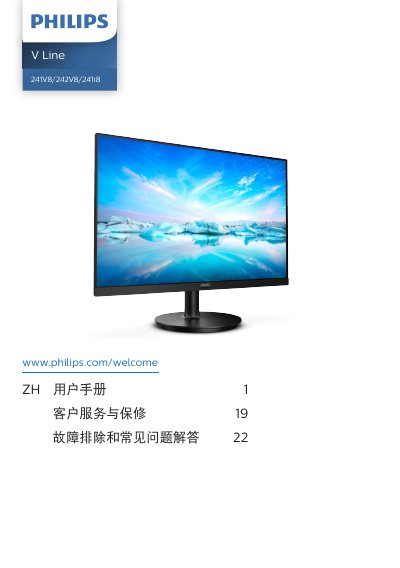
This user manual covers the setup and operation of the Philips V Line 241V8/242V8/241i8 monitor. It details how to install the stand, connect the monitor to a PC using VGA, HDMI, or DisplayPort, and power it on. The guide also explains the functions of the control buttons, such as adjusting brightness, switching input sources, and accessing the On-Screen Display (OSD) menu. This manual is written in Chinese.
The monitor should not be tilted downward more than -5 degrees.
Turn off the power and unplug the power cord, then remove the foreign object or dry the water and take it to a repair center.
The temperature should be between 0-40 ºC.
The screen protection program must be activated when the monitor is unattended or displaying static content.