
The Philips V Line 241V8 monitor user manual provides safety guidelines, setup steps, image‑optimization features, specifications and troubleshooting help.
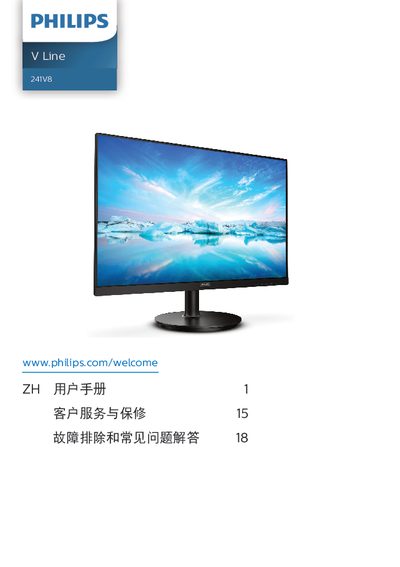
This manual covers important safety information, proper installation, and operation of the Philips V Line 241V8 23.6‑inch VA‑panel monitor. It explains how to mount the stand, connect video and power cables, and use the on‑screen display (OSD) to adjust brightness, contrast, color temperature and SmartImage modes.
The document also lists technical specifications, power‑management details, warranty information and a comprehensive troubleshooting section that answers common questions about resolution, refresh rate, image retention and cleaning procedures. This manual is written in Chinese.
| Panel type | VA |
|---|---|
| Backlight | W‑LED |
| Screen size | 23.6" (59.9 cm) |
| Aspect ratio | 16:9 |
| Native resolution | 1920 × 1080 @ 60 Hz |
| Contrast ratio (typical) | 3000:1 |
| Refresh rate (VGA/HDMI) | 48 Hz – 75 Hz |
| Color depth | 16.7 M colors |
| Adaptive Sync | Yes |
| Low Blue Mode | Yes |
| Typical power consumption (normal operation) | 20.5 W |
The monitor works best at its native resolution of 1920 × 1080, and the manual recommends using that setting.
A refresh rate of 60 Hz is recommended; you can increase it up to 75 Hz to check for interference.
Use a dry soft cloth; if needed, lightly dampen the cloth, but never use alcohol, acetone, or other organic solvents.
Enable the screen‑saver or periodic refresh application when the monitor displays static content for long periods.