
Key facts
- Brand
- Philips
- Model
- HTS3100
- Documents
- 2
- Languages
- JA
- Last added
- 2012-03-16
Start here
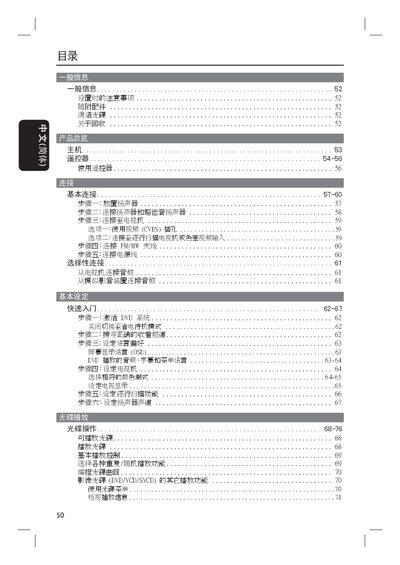
Philips HTS3100 Home Theater System User Manual
This manual provides safety guidelines and installation instructions for the Philips HTS3100 home theater system, including proper placement, ventilation, and handling of accessories. It also details the use of the remote control and the main unit's buttons for power, source selection, volume, and playback functions.
The guide explains how to adjust audio and video settings such as subtitles, aspect ratio, and sound modes, as well as troubleshooting tips for common issues like playback interruptions or image distortion. This manual is written in Japanese.
All Philips HTS3100 documents by type
Day-to-day operation, settings and troubleshooting. Start here if the product is already set up.
Questions answered in these manuals
How do I put the system into standby mode?
Press the STANDBY ON button on the main unit or remote control.
How can I enable subtitles during DVD playback?
Press the SUBTITLE button to display DVD subtitles.
How do I put the system into standby mode?
Press the STANDBY ON button on the front panel.
How can I enable subtitles during DVD playback?
Press the SUBTITLE (字幕) button on the remote or front panel.