
Key facts
- Brand
- Philips
- Model
- DVDR3600
- Category
- Other Electronics
- Documents
- 2
- Languages
- ZH
- Last added
- 2012-03-26
Start here
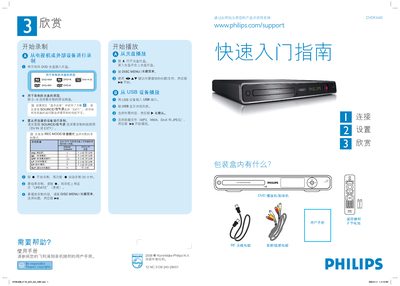
Philips DVDR3600 DVD Player/Recorder Quick Start Guide
This guide provides an overview of the Philips DVDR3600 DVD player/recorder, including what is included in the packaging, the remote control with two AA batteries, and the various digital and analog connection options such as CVBS, HDMI, and audio L/R. It explains two basic connection schemes (A and B) for antenna, TV, and video inputs.
The manual walks the user through setting the date and time, performing an automatic channel search, selecting the correct viewing channel, and using the remote to start recording, playback, or USB media playback. It also details how to navigate the on‑screen menus and change the display language. This manual is written in Chinese.
Philips DVDR3600 specifications
| Supported disc type | DVD+R DL |
|---|---|
| Remote control batteries | 2 AA batteries |
| Audio input/output | Stereo L/R (red/white) |
Source: Philips DVDR3600 DVD Player/Recorder Quick Start Guide
All Philips DVDR3600 documents by type
The shortest path to a working setup, usually only a few pages.
Day-to-day operation, settings and troubleshooting. Start here if the product is already set up.
Questions answered in these manuals
How can I set the date and time on the device?
Use the numeric keypad (0‑9) or STWX keys to enter the date and time, then press OK to confirm.
From: Philips DVDR3600 DVD Player/Recorder Quick Start Guide
What recording modes are available on the DVDR3600?
The recorder supports six modes: High‑Quality (HQ), Standard Play (SP), Standard Play Plus (SPP), Long Play (LP), Extended Play (EP) and Super Long Play (SLP).