
This document is a user manual for a monitor. It introduces the features and functions of the monitor, as well as how to use it and troubleshoot problems.
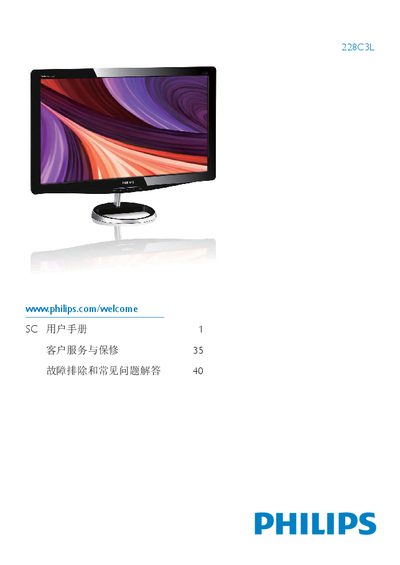
This manual covers important safety information, warranty conditions, and proper handling of the Philips 228C3L monitor. It explains how to install the monitor, connect power and video cables, and set up the base and Kensington lock.
The guide also details the on‑screen display (OSD) menu, SmartImage features, color temperature settings, and power‑saving functions. Troubleshooting tips, FAQ, and recycling instructions are included to help users maintain optimal performance. This manual is written in Chinese.
| Native Resolution | 1920 x 1080 @ 60 Hz |
|---|---|
| Power Adapter Model | APD-DA-36Q12-AAAA / Darfon-BC36-1201-06 |
| Operating Temperature | 0‑40 °C (32‑95 °F) |
| Operating Humidity | 20‑80 % RH |
Yes, you can adjust colour settings through the OSD control, including colour temperature, sRGB mode, and user‑defined RGB values.
Yes. All Philips monitors are fully compatible with standard PCs, Macs and workstations; a cable adapter may be needed for Mac.