
Key facts
- Brand
- Philips
- Model
- DVDR615
- Category
- Other Electronics
- Industry
- Electronics
- Documents
- 2
- Languages
- ZH · EN
- Last added
- 2012-05-02
Start here
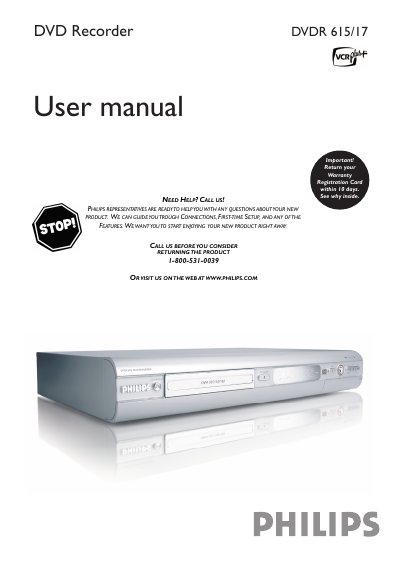
Philips DVDR615/17 DVD Recorder User Manual
This manual guides Philips DVDR615/17 owners through initial installation, connecting the recorder to a TV, antenna or component video sources, and configuring language, time and channel settings. Detailed sections cover playback functions, recording options, timer programming, and troubleshooting common disc errors.
Safety instructions, warranty registration steps, and a complete list of remote‑control functions are included, along with diagrams of front and rear panel connectors such as S‑Video, Component (Y PB PR), CVBS and digital audio outputs. This manual is written in Chinese.
Philips DVDR615 specifications
| Disc types (recording) | DVD+RW / DVD+R |
|---|---|
| Record mode M1 recording time / quality | 60 minutes / high quality |
| Internal tuner | PAL / SECAM |
| Power supply | 220‑230 V, ~50 Hz |
Source: Philips DVDR610/DVDR615/DVDR616 DVD Recorder User Manual
All Philips DVDR615 documents by type
Day-to-day operation, settings and troubleshooting. Start here if the product is already set up.
Questions answered in these manuals
What does the lightning‑bolt safety symbol mean?
It indicates that uninsulated material inside the unit may cause an electrical shock.
How do I stop playback or recording?
Press the STOP button on the remote control to stop playback or recording.
How do I replace the fuse in the UK mains plug?
Remove the fuse cover, take out the old fuse and install a BS1362 5 Amp approved fuse, then replace the cover.
From: Philips DVDR610/DVDR615/DVDR616 DVD Recorder User Manual
What is the correct way to clean a DVD disc?
Use a micro‑fibre cleaning cloth and wipe the disc from the centre to the edge in a straight line; do not use solvents or cleaning CDs.
From: Philips DVDR610/DVDR615/DVDR616 DVD Recorder User Manual