
Key facts
- Brand
- Philips
- Model
- 231S2
- Industry
- Electronics
- Documents
- 2
- Languages
- EN
- Last added
- 2012-03-22
Start here
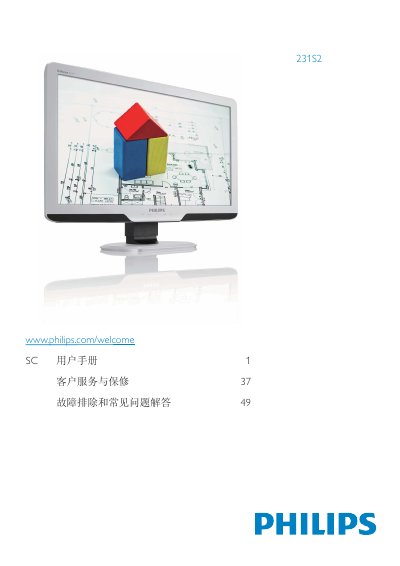
Philips 231S2 Monitor User Manual
This manual guides users through the installation and quick‑start steps for the Philips 231S2 monitor, including connecting power, VGA/DVI cables, and adjusting the base stand. It also explains the on‑screen display (OSD) menu, SmartImage, SmartContrast, and other picture‑enhancement functions.
Additional sections cover ergonomic adjustments, power‑saving modes, environmental compliance (WEEE, EPEAT), and detailed technical specifications such as resolution, power consumption, and color temperature options. The document ends with warranty, recycling instructions, and regulatory declarations.
Philips 231S2 specifications
| Resolution | 1920x1080 @ 60 Hz |
|---|---|
| Power Consumption (Normal) | 28.62 W (typ.) |
| Power Consumption (Sleep) | 0.1 W (typ.) |
| Operating Temperature | 0‑40 °C (32‑95 °F) |
| Color Temperature Options | 5000 K, 6500 K, 7500 K, 8200 K, 9300 K, 11500 K |
All Philips 231S2 documents by type
Day-to-day operation, settings and troubleshooting. Start here if the product is already set up.
Questions answered in these manuals
How do I adjust the ergonomic settings on the 231S2 monitor?
The manual includes a dedicated section titled “Adjust ergonomic” that explains how to modify height, tilt, and swivel settings.
What is the power consumption of the monitor in normal operation?
In normal active mode the monitor consumes about 28.62 W (typical).