
This document is the user manual for Philips monitors, including installation, operation, image optimization, technical specifications, power management, customer support, and warranty.
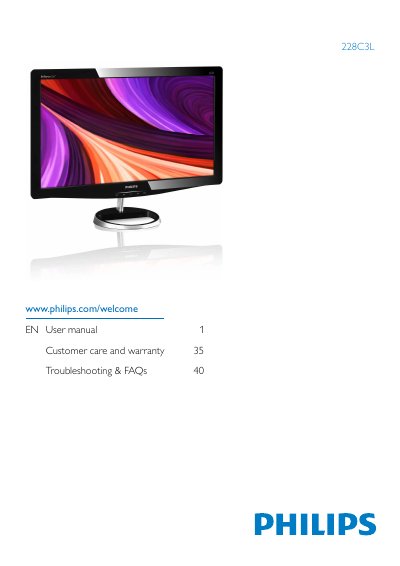
This manual explains how to safely install and operate the Philips 228C3L flat‑panel monitor. It covers safety precautions, disposal, power management, and warranty information to help users maintain the device and avoid damage.
The guide also details image‑optimization functions such as SmartImage, connectivity options, technical specifications, and answers common troubleshooting questions. Additional resources include driver installation, VESA mounting, and contact information for customer support.
| Panel type | TFT -LCD |
|---|---|
| Backlight | LED |
| Panel size | 21.5'' W (54.6 cm) |
| Aspect ratio | 16:9 |
| Brightness | 250 cd/m² |
| Contrast ratio (typical) | 1000:1 |
| Response time (typical) | 2 ms |
| Native resolution | 1920 x 1080 @ 60Hz |
| Vertical refresh rate | 56Hz - 76Hz |
| Viewing angle | 170° (H) / 160° (V) |
| Pixel pitch | 0.248 x 0.248 mm |
The recommended resolution is 1920 × 1080 @ 60 Hz.
Use a clean, soft cloth for normal cleaning; for extensive cleaning, use isopropyl alcohol and avoid other solvents.
Yes, the monitor has four standard VESA mount holes for attaching to VESA‑compatible arms.